Upload your documents
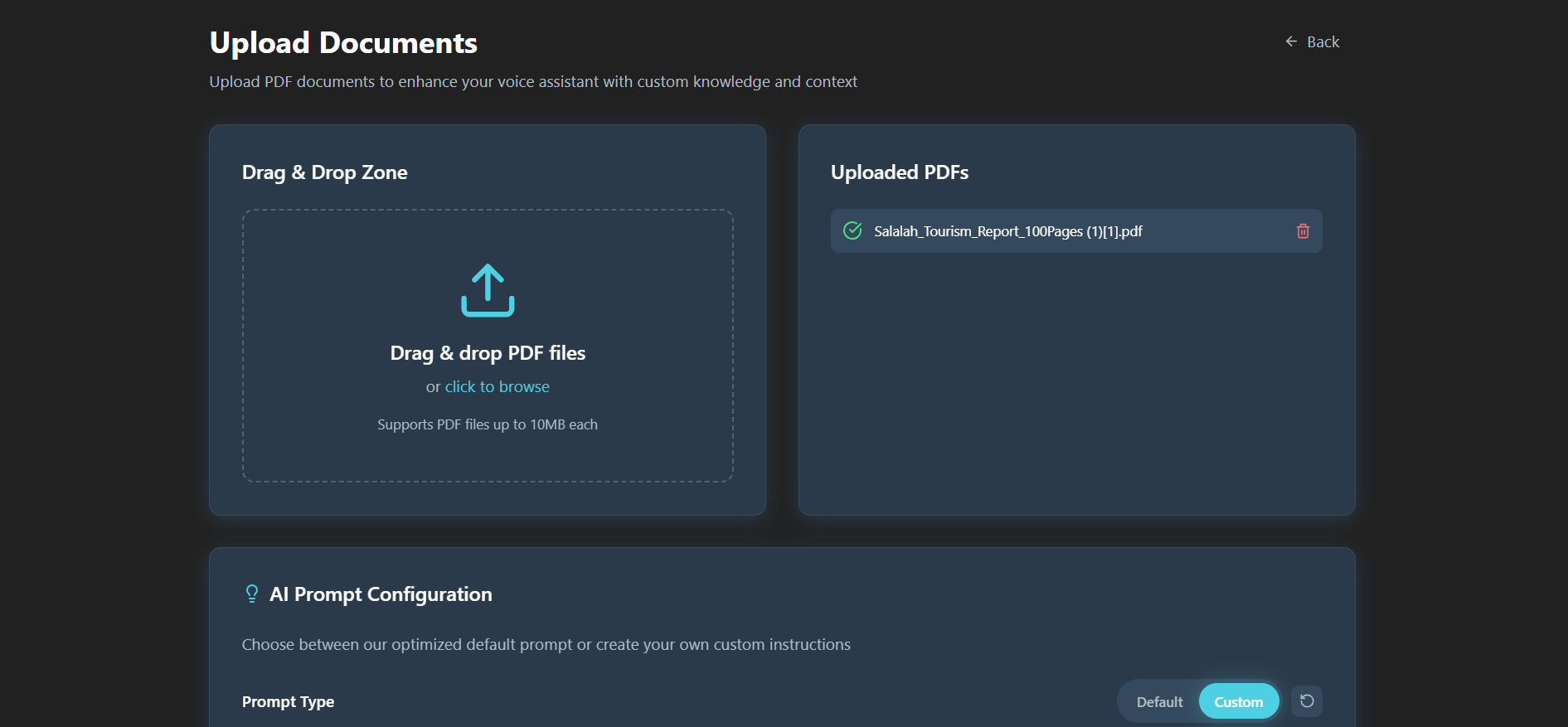
Add your PDF files. The assistant reads them and organizes the content so it can be searched by meaning, not just by exact words.
Turn your PDFs into a voice assistant. Ask questions naturally and hear clear answers grounded in your documents.
Trusted by teams












Adople Voice Agent / Document Intelligence
Adople Voice Agent turns your PDF files into an assistant you can talk to. Instead of scrolling through long manuals, reports or policies, you upload them once, ask a question in your own voice, and hear a clear answer based on what your documents actually say.
Add your PDF files. The assistant reads them and organizes the content so it can be searched by meaning, not just by exact words.
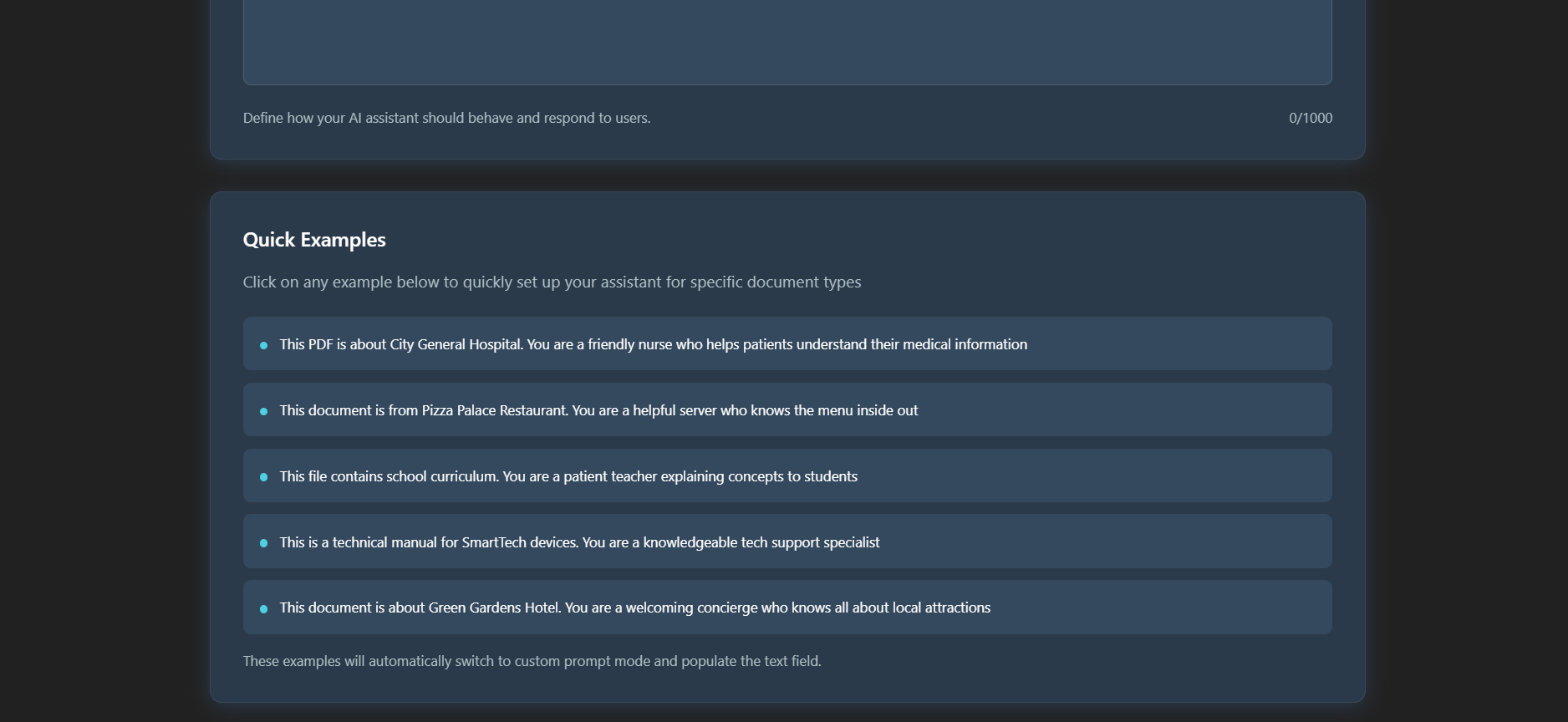
Write your own instructions to control the tone, level of detail and style of every answer, so the assistant fits the way your team works.
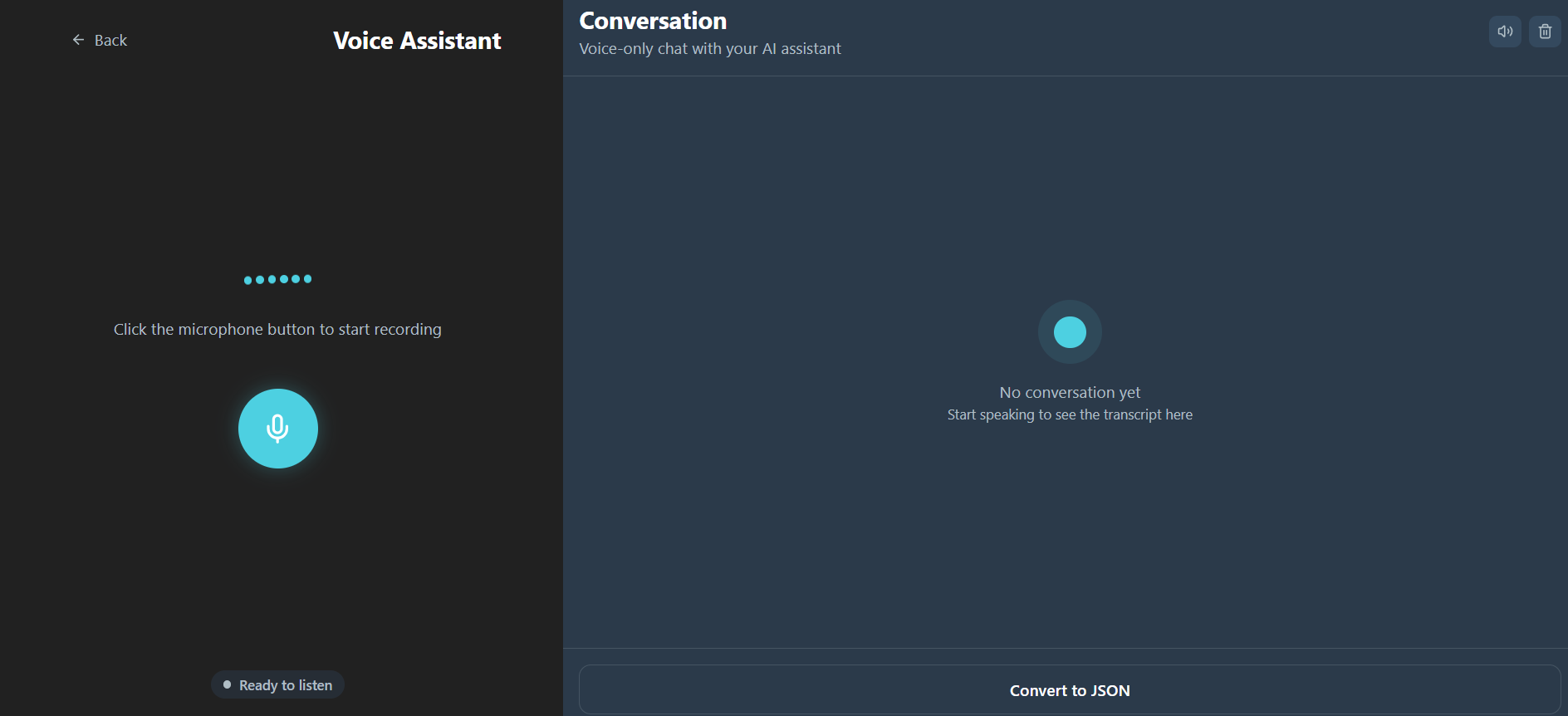
Speak your question as you would to a colleague. The assistant understands what you mean and replies in natural conversation.
Trusted by teams across critical enterprise operations
WATCH THE DEMO
A quick walkthrough: upload a PDF, ask a question out loud, and hear the answer.
Open on YouTube →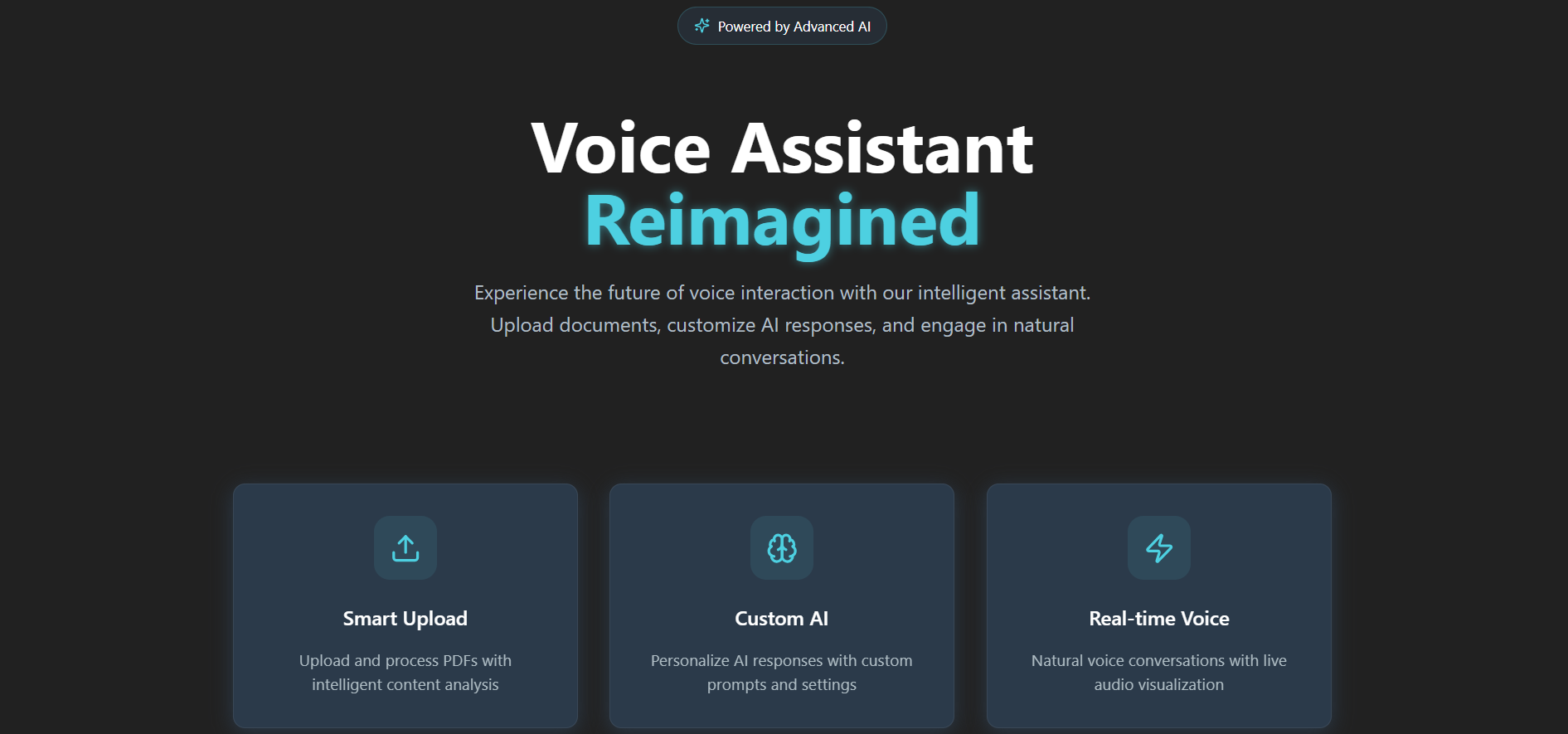
Customer support
Give your support team instant answers from product guides and policies, so customers spend less time waiting.
Field technicians
Ask out loud for repair steps and safety checks from service manuals while you are working with your hands.
Compliance & policy
Find out exactly what a policy or regulation says without reading the whole document.
Training & onboarding
New team members ask questions out loud and learn from company handbooks at their own pace.
Customer Support
“What does our product guide say about this customer issue?”
Field Operations
“What are the repair steps in this service manual?”
Compliance
“What exactly does this policy or regulation say?”
Training
“Can you explain this handbook section to me?”
Sample questions. Ask your documents out loud and receive answers grounded in the uploaded content.
Turn manuals, policies and reports into a conversational knowledge assistant your team can access when they need it.
Three things, and you can start talking to your documents.
Upload manuals, reports, policies, handbooks or other supported documents.
Set the tone, level of detail and response style you want the assistant to use.
Ask something in your own voice and receive an answer based on your documents.
Enhance your workflow with seamless voice intelligence.
$19 /mo
Perfect for personal use and basic document interaction.
$29 /mo
Ideal for professionals needing multi-language support.
$49 /mo
Built for teams needing API access and priority help.
$69 /mo
Enterprise-grade white-labeling and custom voices.
All plans include lifetime access, free updates, and a 60-day money-back guarantee.
You can choose a self-hosted deployment or India local data residency, so your documents stay in the location you need. Your data is protected with AES-256 encryption when stored and TLS 1.3 encryption when it moves between systems.
Upload the PDF and the voice assistant is ready in about five minutes. Very large manuals may take a little longer to process, and the upload screen shows when each document is ready to use.
With API Access, the voice agent can be connected to your existing telephony and messaging tools, so people can reach it through the channels they already use.
Yes. Multi-language support is included from License Tier 2, so you can work with documents and conversations in more than one language.
Yes. With API Access, conversation details can be sent to your CRM, so nothing said to the assistant is lost.
Instant document intelligence is just a conversation away. Join leading enterprises already transforming their knowledge base into real-time voice assistants.
Connect to workspace